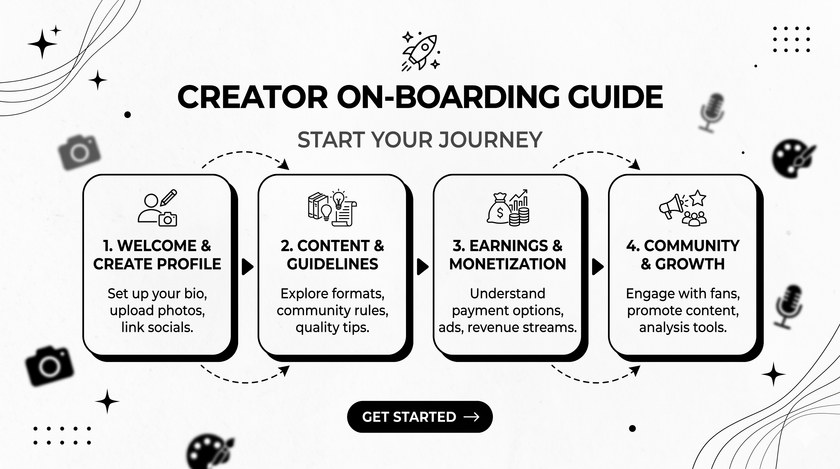
Creator On-boarding Guide
We are thrilled to have you here!
We are building a premier educational platform and core community dedicated to prediction markets. We connect high-quality creators with audiences eager to learn about market mechanics, event contracts, and emerging trends, fostering a professional and vibrant knowledge ecosystem.
Step 1: Create Your Account
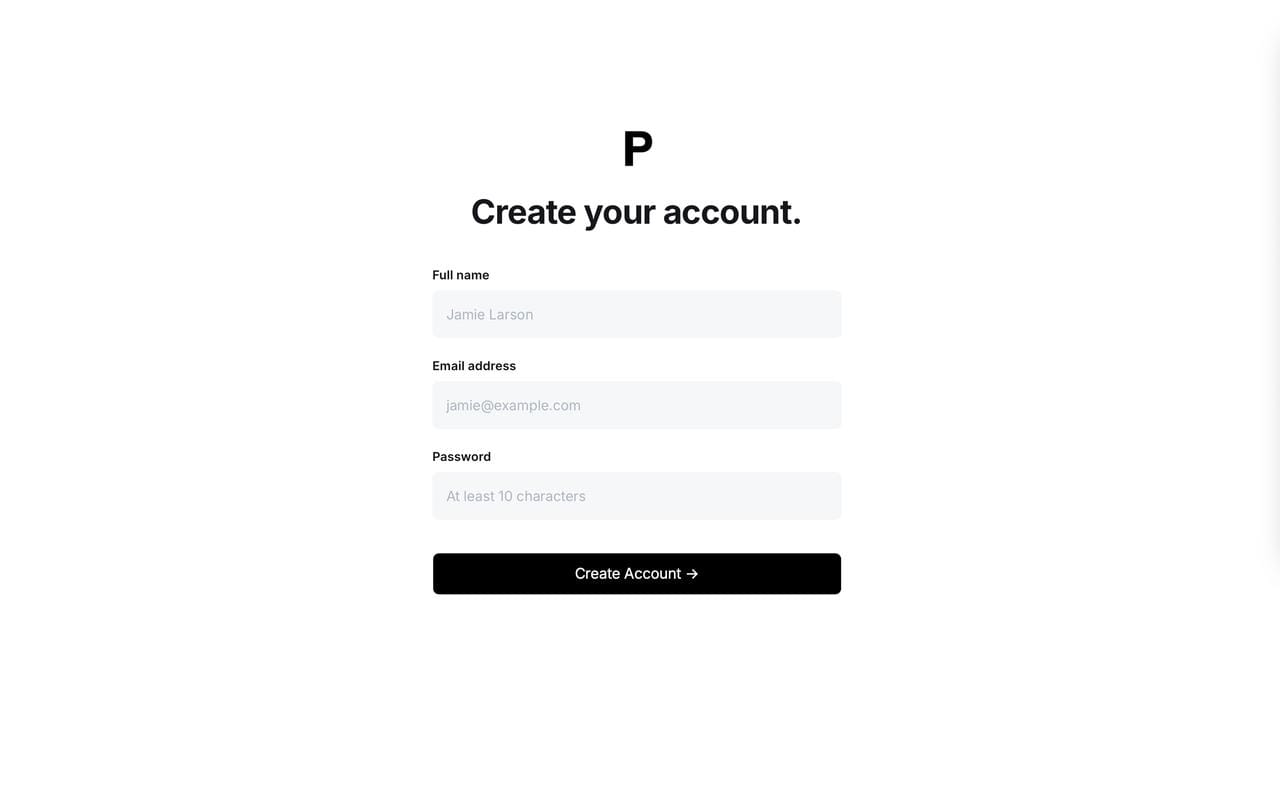
Choose Your Method:
- Sign up using your preferred email address.
Verify Your Email: We will send a verification link to your inbox. Please check your email and click the verification link to activate your account.
💡 Pro Tip: Don't see the email? Check your spam folder or click Resend on the screen.
Step 2: Set Up Your Profile
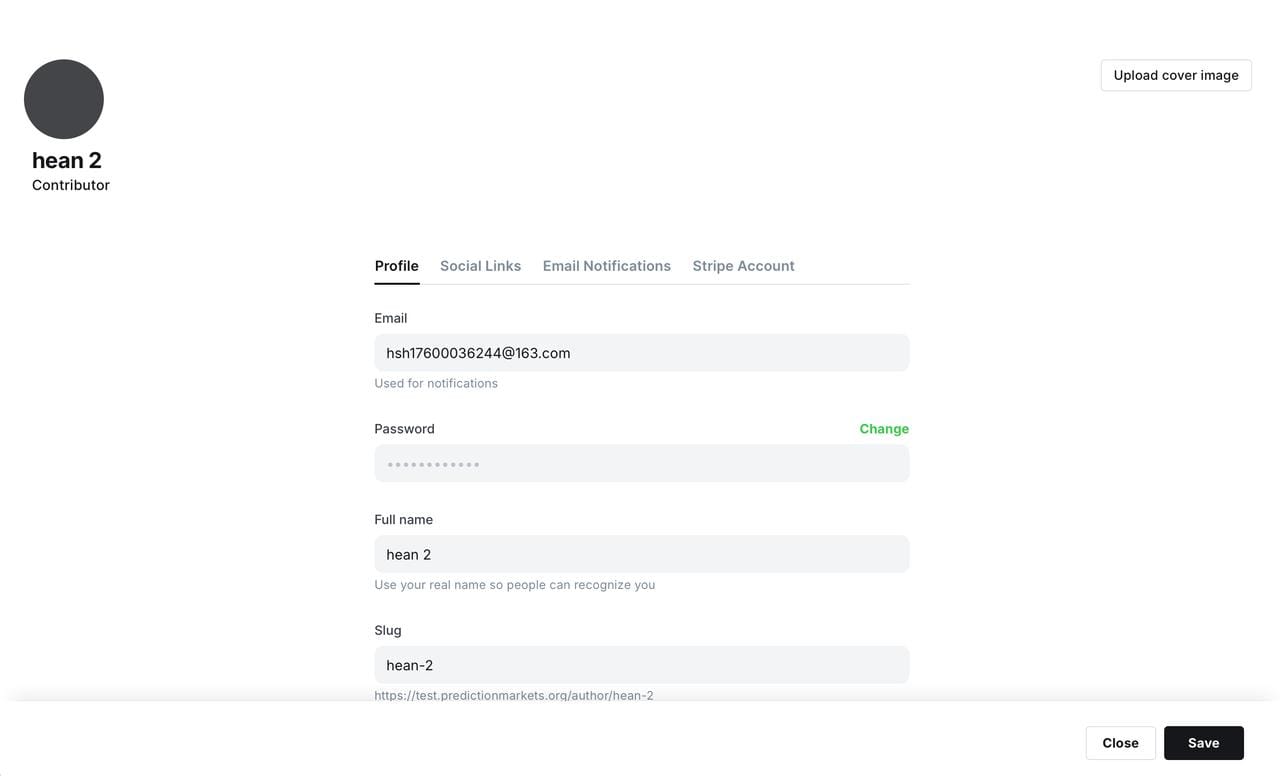
- Access Profile Settings: Once logged in, click your default avatar in the bottom left corner and select Settings.
- Upload Visuals:
- Profile Picture: Use a clear headshot or your brand logo to build recognition (Recommended size: 400*400 px).
- Write Your Bio: Tell the community who you are.
- Link Your Socials: Connect your X (Twitter), Substack, or personal website so your audience can engage with you across platforms.
Step 3: Connect Stripe to Monetize Your Content
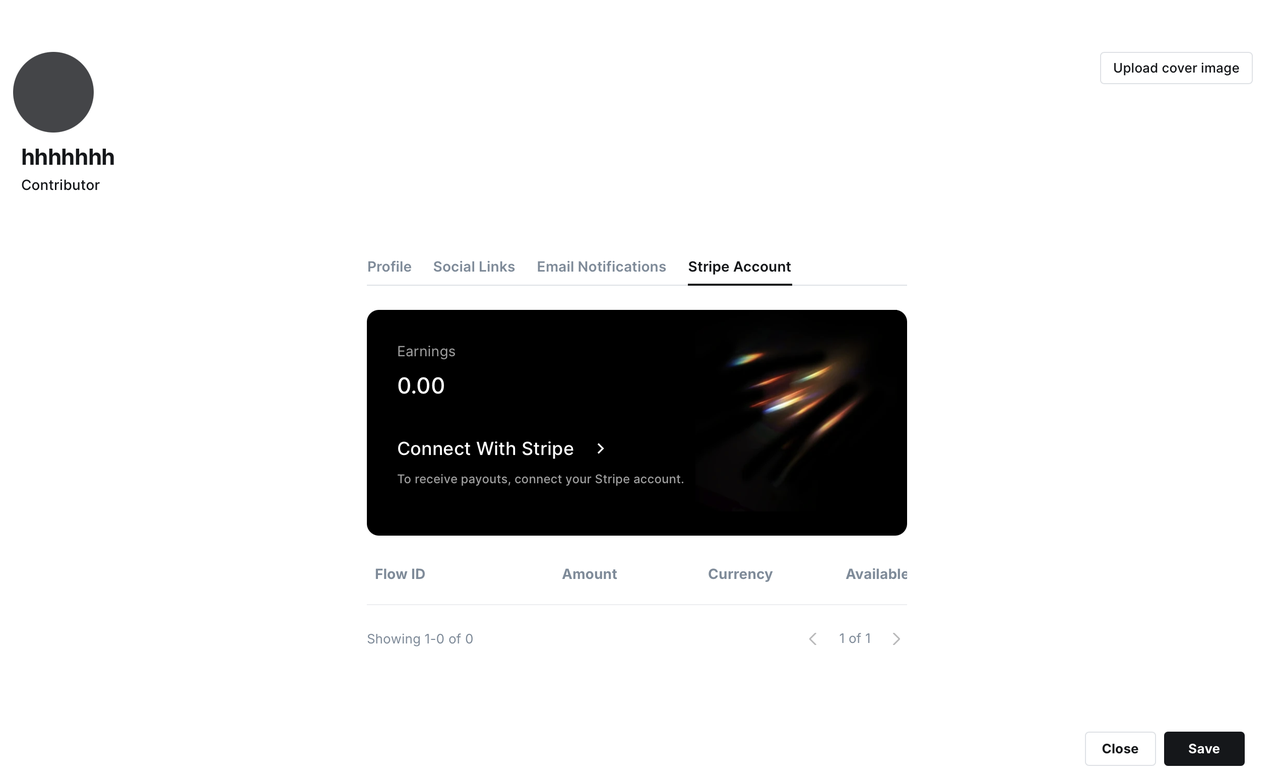
Why Stripe?
To ensure you receive your earnings (subscriptions, tips, etc.) securely, compliantly, and seamlessly, we partner with Stripe, the industry standard for global payments.
How to Connect:
- Navigate to the Stripe Account tab in your creator dashboard.
- Click the Connect With Stripe button.
- You will be securely redirected to Stripe's setup portal.
- If you already have a Stripe account: Simply log in and authorize PredictionMarkets.org.
- If you are new to Stripe: Follow the on-screen prompts to provide your basic details (name, contact info, bank account details) to create your account.
🔒 Security Note: Your financial data is protected by Stripe's bank-level encryption. PredictionMarkets.org does not store your sensitive banking information.
Step 4: Publish Your First Insight
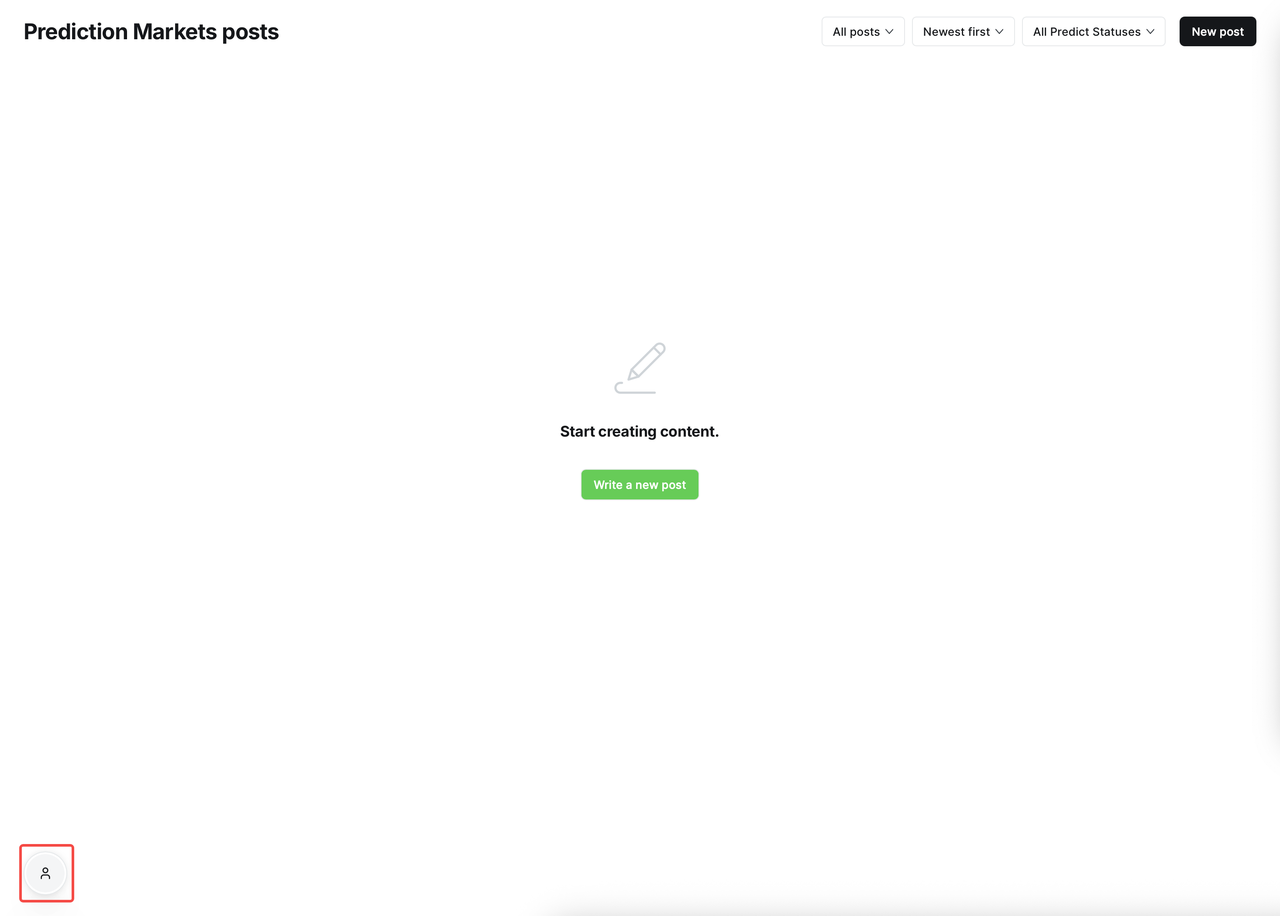
To Start: Click on the button on the bottom left corner, and you will be directed to the page where creators compose new articles!
Step 5: How to Track and Withdraw Your Payouts
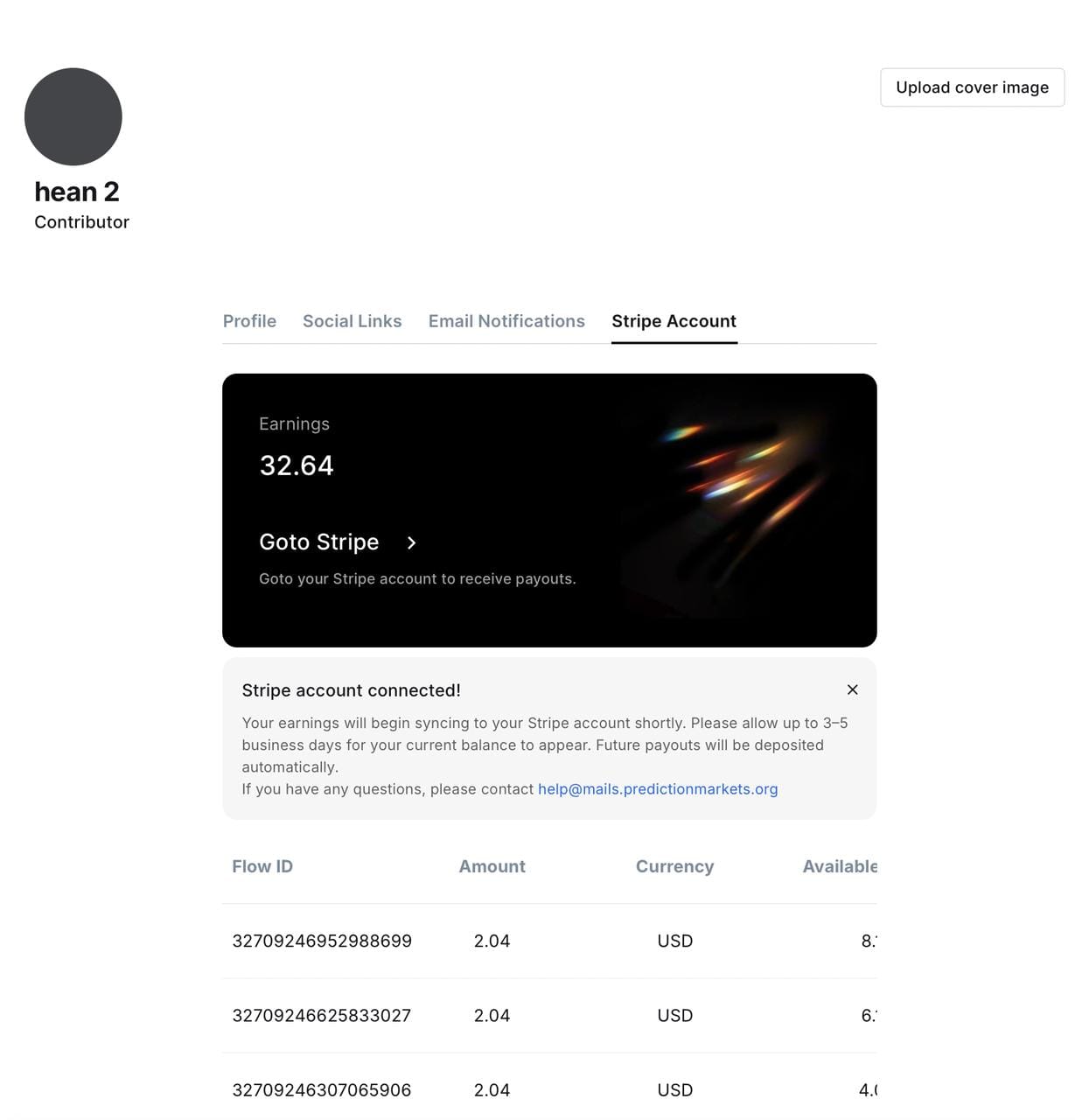
To Track: Once your stripe account is connected, you'll be able to check earnings on that page.
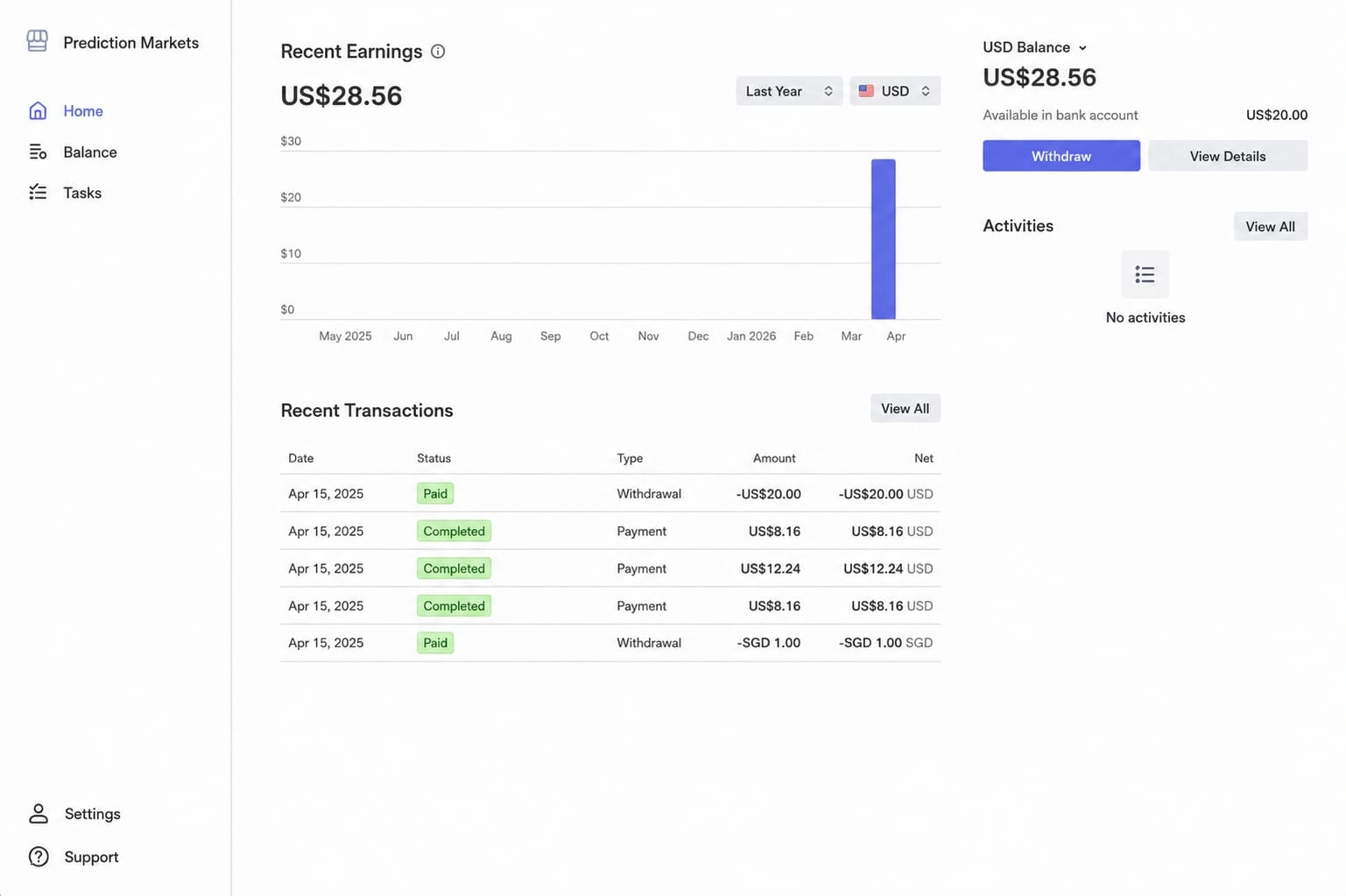
To Withdraw: Click on the Withdraw button on the right hand side and you're all set!
Payout Timeline: Once a transfer is initiated, it typically takes 3-7 business days for the funds to reflect in your bank account, depending on your local bank's processing times. You can always check the status of a transfer directly in your Earnings tab or via your Stripe dashboard.
Need Help? We've Got You Covered
Contact Us: Running into a technical glitch or need strategic advice? Reach out to us anytime at [email protected]. We are here to help you succeed!